
Watching Television
Movie night in 1, 2, 3
Setting up smart TVs can be challenging – here's a streamlined way to get the TV going:
-
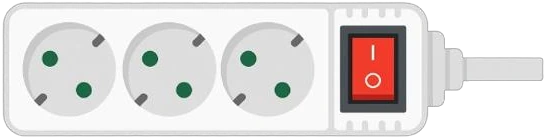
First of all: flip the red power switch on the back of the TV to “ON”
-
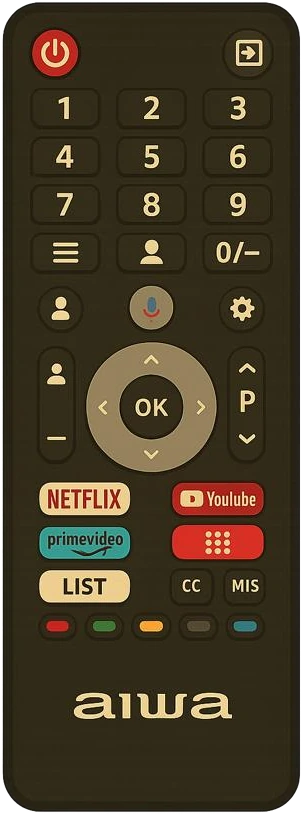

- Grab the AIWA remote and hit the red power button – that'll boot up Google TV (be patient)
- Select the profile “Punta” by pressing “OK” on the AIWA remote
- Tap the arrow icon in the top right of the remote and choose “Punta Azul 5B” to activate ROKU
-
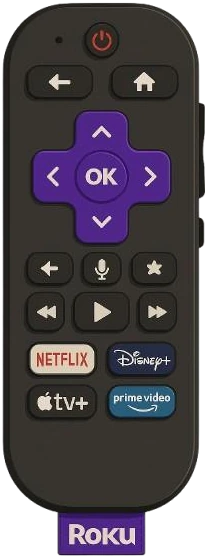
- Press the HOME button on the ROKU remote
- Set your checkout date and confirm with “OK”
- Roku will automatically clear your settings after your stay
- Start casting from your own phone or tablet, or log in to your favorite streaming service